Info
About

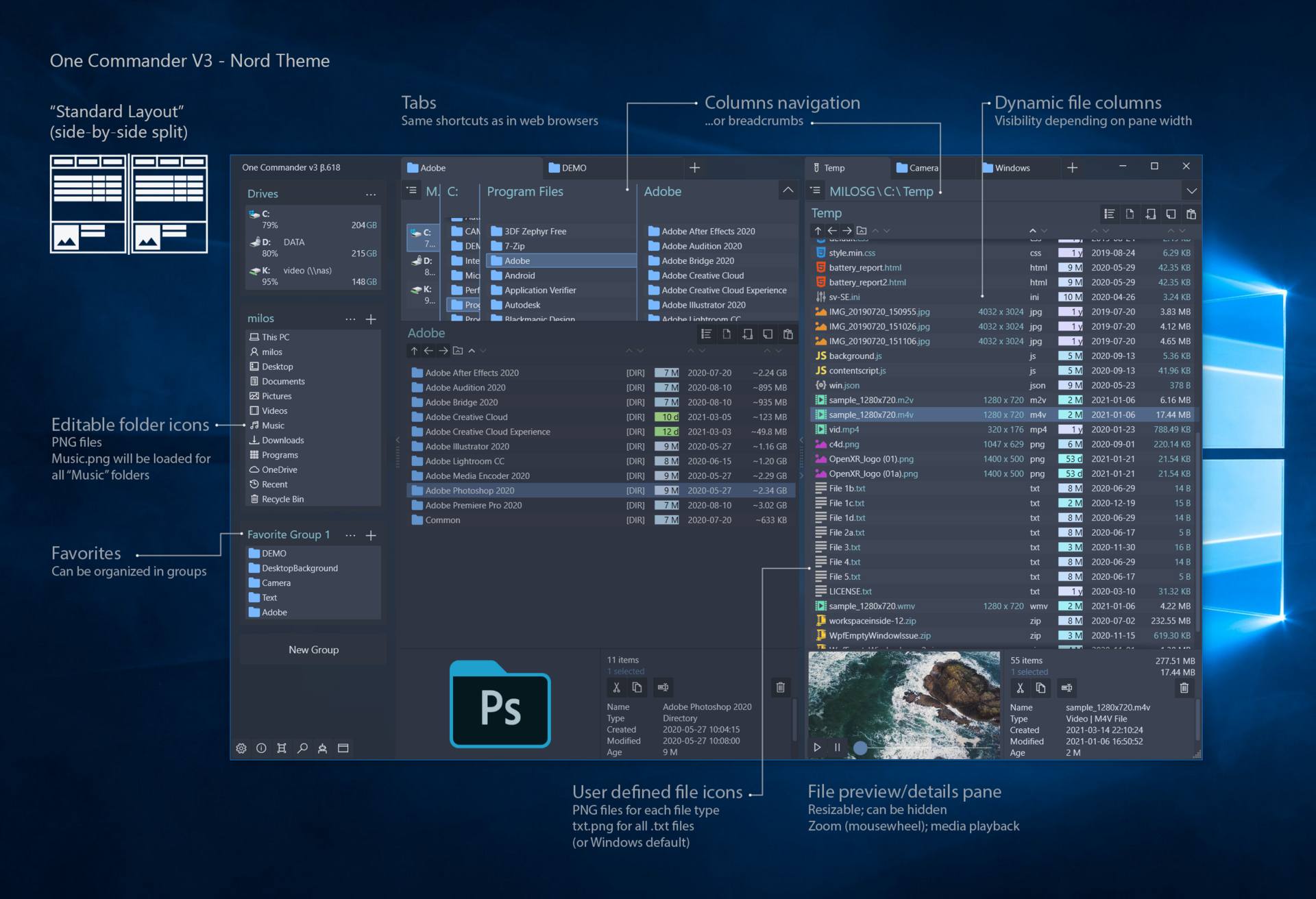
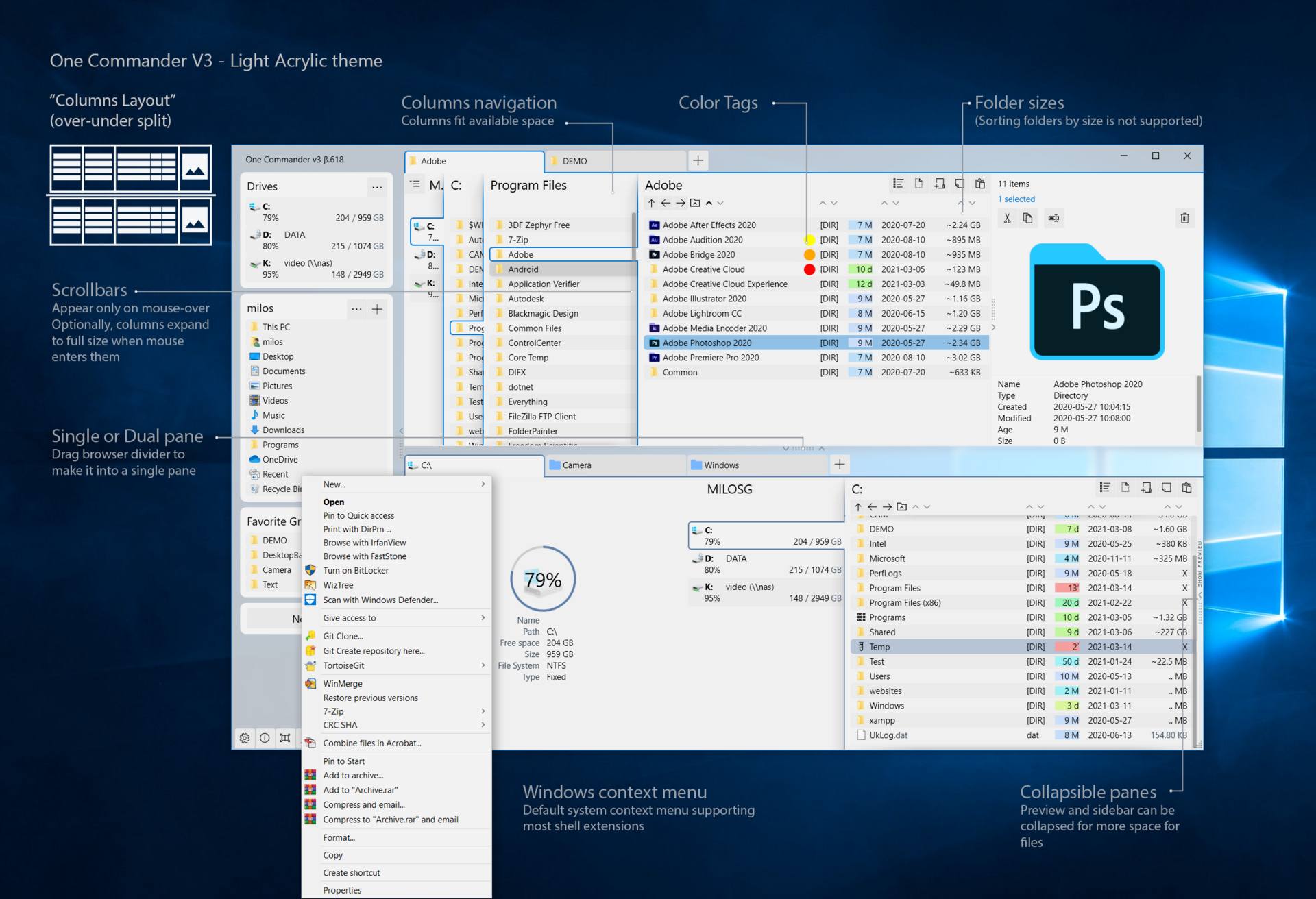
OneCommander is a high-performance Windows Explorer alternative designed for power users. It is a modern dual-pane file manager for Windows 11 and 10 that redefines file navigation with Miller Columns, integrated tabs, and a fast DirectX-powered interface.

Free for home use. No ads. No tracking.

*
Features
  • Ultra-Fast Performance: DirectX accelerated plus, years of optimizations and a custom rendering system; NOT a slow UWP/Electron/WinUI3 app, making it faster than most Windows 11 file managers.
  • Dual-Pane & Tabbed Browsing: Efficiently manage files across folders with a side-by-side view and persistent tabs.
  • Miller-Columns Navigation: A professional column view improved over macOS Finder for deep folder structures.
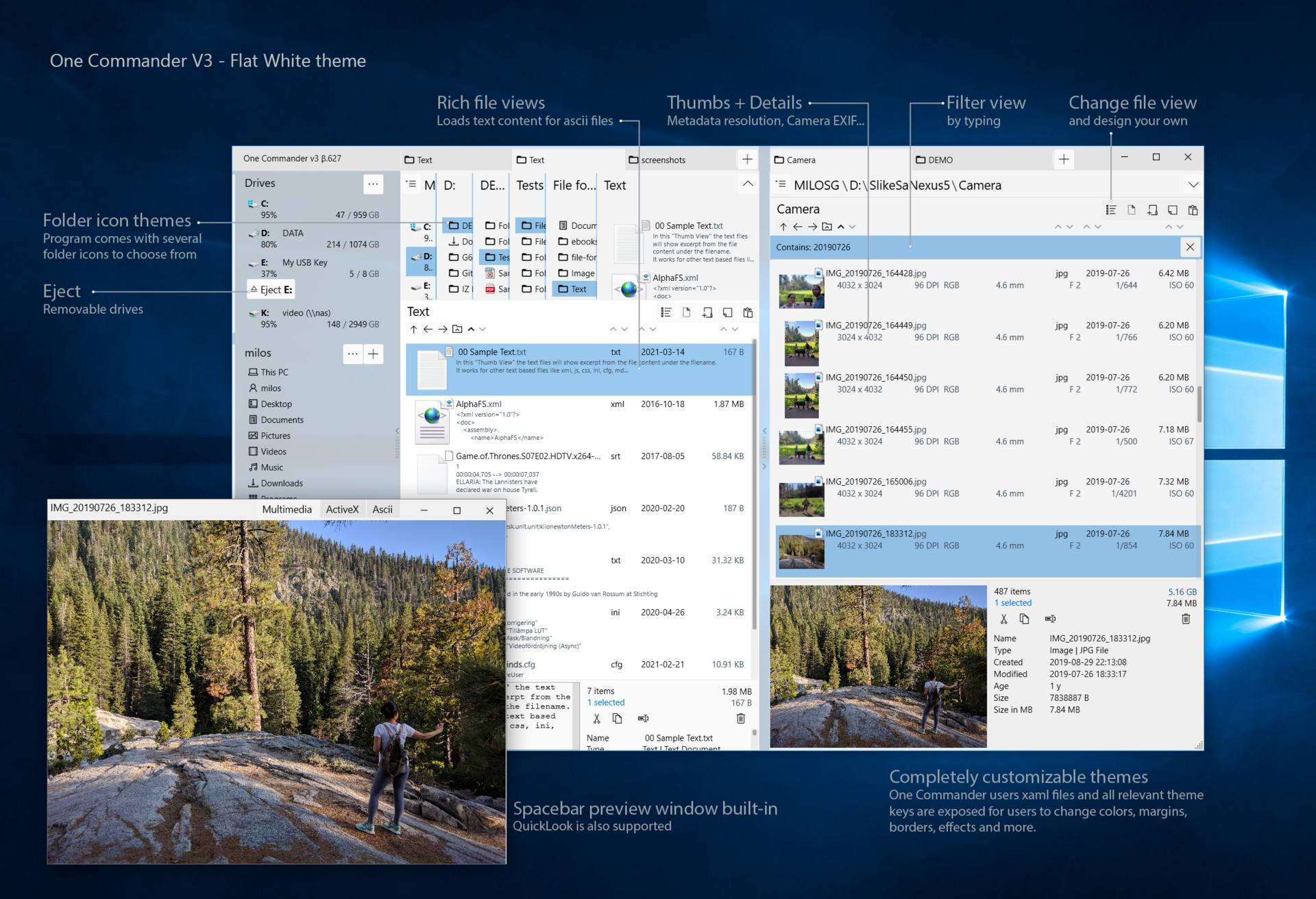
  • Built-in File Preview: Instant preview of various file types (Press Spacebar), with support for QuickLook and Seer.
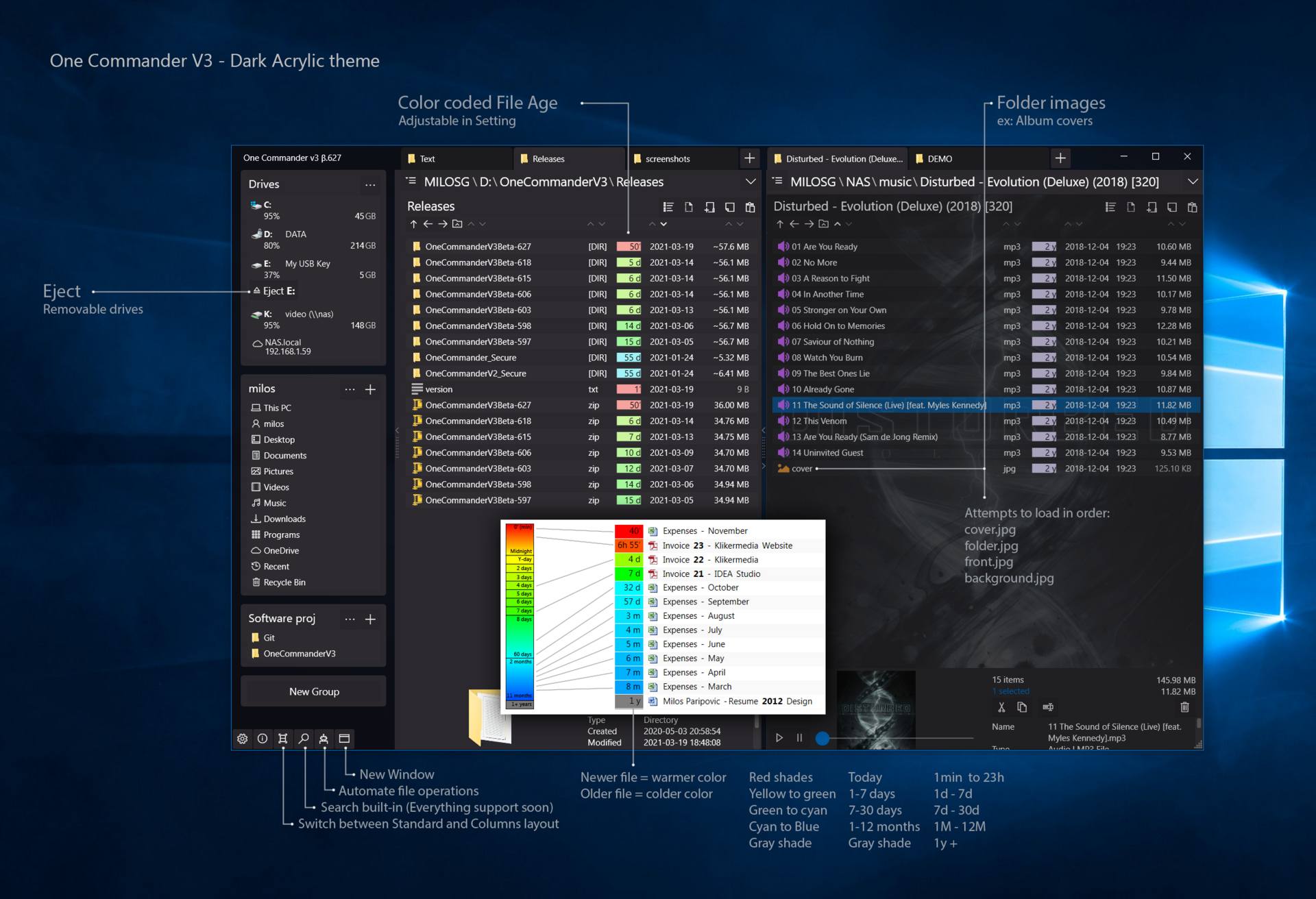
  • Theming Engine: Fully customizable Dark and Light themes with editable XAML, icons, and scripts.
  • Long Path Support: Full Unicode support for paths exceeding the standard Windows 260-character limit.
  • File Automator: Advanced RegEx renaming and batch image conversion tools built-in.
  • Integrated To-Do: Add tasks and notes directly within any folder to keep projects organized.
REQ
Requirements

OneCommander requires Windows 11 or Windows 10

4K or other high-PPI screen recommended (above 100 PPI)

SCREENSHOTS
DWN
Download

Free for home use.

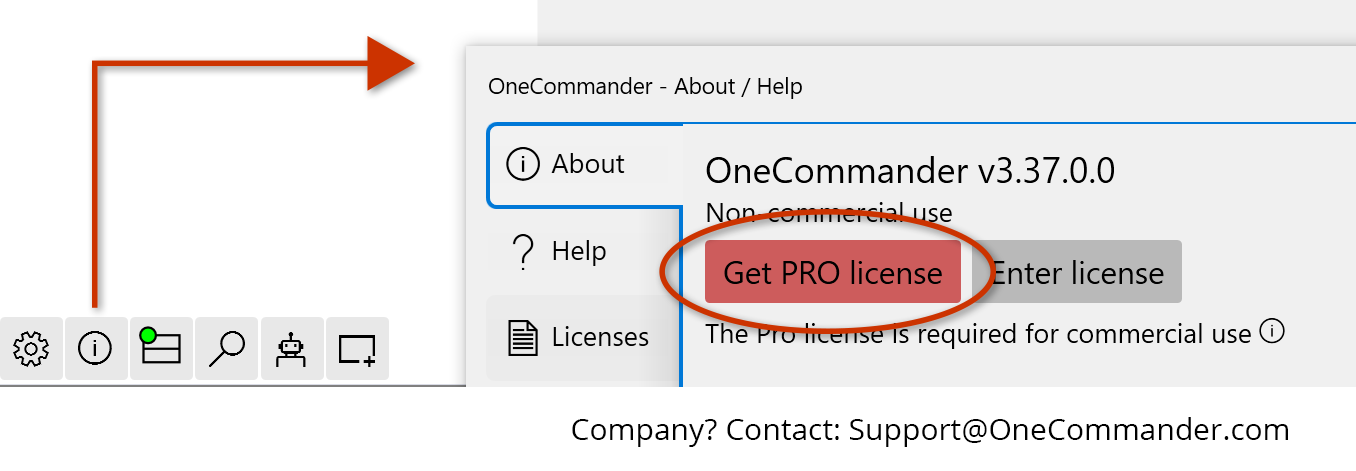
Professional/Commercial use requires a Pro license (Lifetime: $ 25 $ 30) which includes additional features and future updates.

Installer / Setup (Recommended)
DOWNLOAD
Installer (MSI)

3.108.0.0 (2026-03-06)

MSI MD5: b2a22c1c25aa00ba5869ea65ecd98e4c
MSI SHA256: fdc57e58231c166e22176f3421f05c5336fc377ccfa21aa1c96a121439b62e0d


Additional ways to install:

Portable
Download (3.108.0.0)
Unblock zip and extract in a new non-system folder.
Note: Must not be installed in a cloud folder; Not for computers with more than one user account

ZIP MD5: 8fb980549609a3abddbc3b02019fef77
ZIP SHA256: b05aa68f82a5845d0b4af0230b8d0f70ae39b299cdd882643856bb8721b17d06

Microsoft Store
Download (3.87.2.0)
Requires Microsoft Store account + additional limitations.

Scoop (in Extras)
scoop bucket add extras
scoop install onecommander

Winget
winget install OneCommander --source winget --silent

Chocolatey (behind; not recommended)
choco install onecommander

i
More information
  • Free for Personal Use: Enjoy all core features for home use with zero advertisements.
  • Pro License for Commercial Use: A lifetime license for professionals that unlocks even more power. Learn more.
  • Privacy-First Design: OneCommander is 100% private. We do not collect, store, or transmit your personal data. Privacy Policy.
  • Secure & Robust: 64-bit software written in memory-safe language and optimized for the x64 platform with DEP and ASLR security protocols.
Feedback
Help/Feedback

Get the most out of your workflow with Online Help & User Manual or download the documentation as a Portable CHM Guide (Microsoft Compiled HTML Help).

OneCommander is more than just a better-looking Windows File Explorer or a macOS Finder alternative for Windows. It is a productivity powerhouse designed to challenge file management workflows that haven't changed since the 90s. Through user feedback, we are constantly evolving the interface and performance.

For Designers: OneCommander is fully skinnable. Improve your workspace by creating custom XAML themes, unique folder icons, and personalized menu styles.

For Developers & Sysadmins: Extend your file management automation. Run PowerShell, Batch, Python, and other scripts directly on selected items or folders via the integrated scripts menu.

Active Development: We ship weekly feature updates. View our Release Notes & Changelog to see what’s new, or report issues to help shape the next version.

Future
The Future

OneCommander is a living project. We are constantly optimizing for Windows 11 performance and adding user-requested features. Join the discussion on Discord to vote on the next set of tools.

Support the Project: You can help keep OneCommander the best file manager for Windows by providing bug reports, purchasing a Pro license for commercial use, or simply by sharing the program with your professional network.